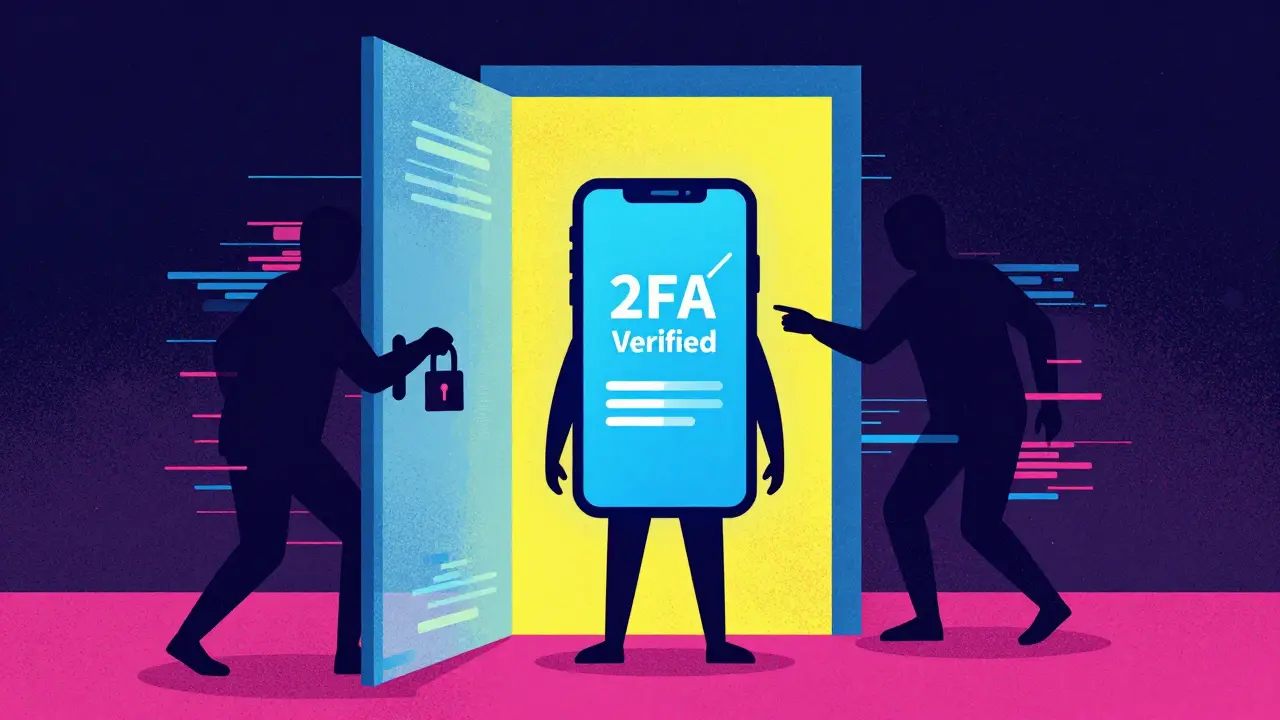
You type in your password. You check your phone for the code. You enter it. You breathe a sigh of relief, thinking you are safe. But what if I told you that moment of safety might be an illusion? For years, we were told that Two-Factor Authentication (2FA) is a security system requiring two different forms of verification before granting access was the gold standard for protecting our digital lives. It was supposed to be the lock on the door that no thief could pick. Today, that lock is being picked every second.
The reality is stark. Hackers have moved past simple brute-force password guessing. They now use sophisticated methods to trick both the software and the human behind it. Whether you are guarding a personal email account or a multi-million dollar cryptocurrency wallet, understanding how these bypasses work is no longer optional-it is survival. This isn't just about tech jargon; it is about keeping your identity and assets out of the hands of criminals who have automated their attacks to require almost zero skill on their end.
The Password Reset Loophole: The Easiest Way In
Before we get into the high-tech spy gadgets, let's talk about the low-hanging fruit. One of the most common ways attackers bypass 2FA is by simply not using the login page at all. Instead, they go straight for the "Forgot Password" link. It sounds too simple to be true, but it happens constantly.
Here is how it works: Many websites and apps allow you to reset your password by sending a code to your registered email or phone number. If you click that link and enter the new password, the system often assumes you have proven your identity because you control the recovery method. It forgets to ask for the second factor-the SMS code or the authenticator app token-that protects the actual login screen.
If a hacker has guessed your password or bought your data from a previous breach, they don't need to crack your 2FA. They just trigger a password reset. Once they set a new password, they log in as if they own the account. To stop this, you must ensure that any platform holding sensitive data requires your second factor even during the password reset process. If the site doesn't offer this option, consider it a weak point in your defense.
Social Engineering: Tricking the Human, Not the Code
Technology is only as strong as the person using it. Social engineering attacks exploit trust, urgency, and fear. These aren't computer bugs; they are psychological traps. An attacker might call you pretending to be support staff from Google, Apple, or your bank. They will sound professional. They will know some details about your account, which they likely got from a data leak.
They will tell you there is suspicious activity and that they need you to read them the 6-digit code popping up on your screen right now to "verify" it's really you. If you give them that code, they instantly log in. You are essentially handing them the key to your house while standing on the porch. Never, ever share an authentication code with anyone who contacts you unsolicited. Legitimate companies will never ask for your 2FA codes over the phone or via chat.
Adversary-in-the-Middle (AiTM): The Invisible Proxy
This is where things get scary. Traditional phishing involves sending you a fake website that looks like your bank. You type in your details, and the hacker gets them. But with 2FA, the hacker also needs the code. That’s why modern tools like NecroBrowser is an open-source tool used by attackers to automate Adversary-in-the-Middle phishing attacks have changed the game.
NecroBrowser and similar tools act as a reverse proxy. When you click a malicious link, you are actually connected to the real website, but the traffic passes through the attacker's server first. You see the genuine login page. You enter your password. The site asks for your 2FA code. You enter it. The attacker intercepts both, logs in themselves, and then forwards you to the real dashboard so you don't suspect anything. Worse, they steal your session cookie. This means even if you change your password later, they can still access your account because the browser thinks they are still logged in. This technique makes detection incredibly difficult because the URL bar shows the correct domain name, thanks to advanced spoofing techniques.
MFA Fatigue: Bombarding You Until You Give Up
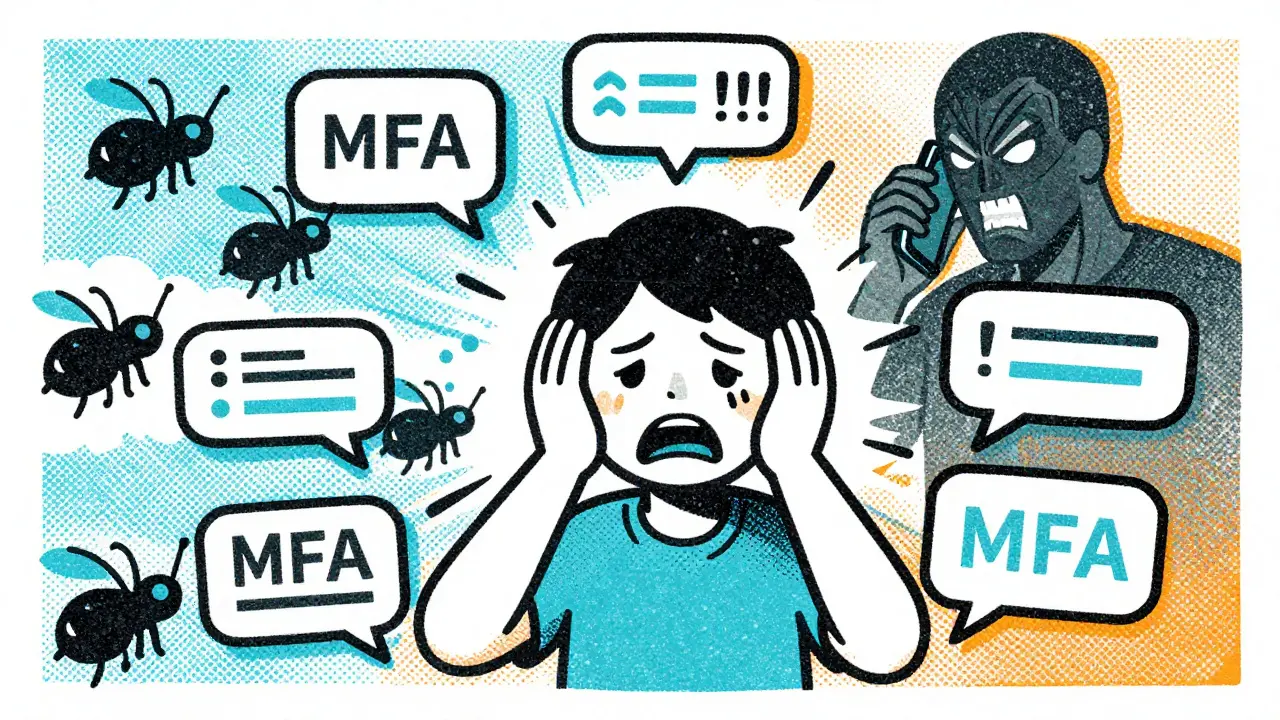
Imagine your phone buzzing non-stop. Every ten seconds, a push notification appears: "Login attempt detected. Approve or Deny?" You ignore it. Ten seconds later, another one. And another. Within minutes, you have dozens of notifications. Your phone becomes unusable. You are annoyed, confused, and desperate for it to stop. So, you hit "Approve" just to make the noise cease.
This is called MFA fatigue or prompt bombing. Attackers automate this process. Once they have your credentials, they trigger hundreds of authentication requests. Most people assume these glitches are system errors or spam. By approving one request to silence the harassment, you unknowingly grant the attacker full access. This method exploits human exhaustion rather than technical flaws. It is particularly effective against users who use push notifications for 2FA instead of more secure methods.
Session Hijacking and Token Theft
Once you are logged in, your browser stores a small piece of data called a session cookie. This cookie tells the website, "This user is already verified." If a hacker steals this cookie, they don't need your password or your 2FA code. They just paste the cookie into their browser, and the website lets them in.
How do they steal it? Through malware. Tools like Cobalt Strike can extract these tokens from your device's memory if your computer is infected. Another example is Okta Terrify, demonstrated at the BSides Cymru 2024 conference. This tool targets passwordless solutions by abusing compromised endpoints to proxy authentication requests. If your device is already infected with a Trojan virus-often installed via a shady download or phishing link-the attacker can monitor your keystrokes and browser activity, capturing 2FA tokens as you type them. This is why keeping your operating system and antivirus software updated is critical. A clean device is a much harder target.
Why Blockchain Users Are Prime Targets
In the world of cryptocurrency and blockchain, the stakes are infinitely higher. Unlike a bank account, crypto transactions are irreversible. There is no customer service line to call to freeze a transfer once it hits the network. Hackers know this. They specifically target exchanges and wallets that rely solely on SMS or basic app-based 2FA.
When you connect to a decentralized finance (DeFi) platform or sign a transaction, you are interacting with smart contracts. If an attacker uses an AiTM attack to hijack your session, they can approve malicious transactions without you realizing it. They might drain your wallet while you think you are just checking your balance. The integration of Hardware Security Keys is physical devices like YubiKey or Ledger that provide phishing-resistant authentication is not just a recommendation here; it is a necessity. Software-based 2FA can be intercepted; physical keys cannot be phished because they require physical presence to sign a transaction.
| Method | Security Level | Vulnerable to Phishing? | Best Use Case |
|---|---|---|---|
| SMS Codes | Low | Yes (SIM Swapping) | Non-critical accounts |
| Authenticator Apps (TOTP) | Medium | Yes (AiTM Proxies) | Email, Social Media |
| Push Notifications | Medium-Low | Yes (MFA Fatigue) | Convenience-focused apps |
| Hardware Keys (FIDO2/WebAuthn) | High | No | Crypto Wallets, Banking, Admin Access |
How to Fortify Your Defenses
So, how do you fight back? You need a layered approach. First, ditch SMS for anything important. SIM swapping is a real threat where hackers convince your carrier to port your number to their device, giving them all your SMS codes. Switch to an authenticator app like Authy or Google Authenticator for better security, but understand that even these can be bypassed by AiTM attacks.
The ultimate solution is hardware security keys. Devices like YubiKey or SoloKey use FIDO2 standards. They are immune to phishing because the key cryptographically binds the authentication to the specific website domain. If you are tricked into visiting a fake site, the key will refuse to sign the request. For blockchain users, always use a dedicated hardware wallet for storing significant amounts of crypto. Never store private keys on a computer connected to the internet.
Secondly, enable additional verification steps for sensitive actions. If your platform allows it, require 2FA for password changes and email updates. This closes the loophole mentioned earlier. Thirdly, stay vigilant. Check URLs carefully. Look for subtle misspellings. If something feels off, pause. Do not rush. Hackers rely on urgency. Take your time to verify the source of any request.
The Future of Authentication
The cybersecurity industry is responding with adaptive authentication systems. These systems analyze your behavior, location, device fingerprint, and time of day to assess risk. If you log in from a new country at 3 AM, the system might block you or demand stronger proof of identity. Zero-trust architecture is becoming the standard in enterprises, assuming no user or device is trusted by default, even if they are inside the network perimeter.
However, technology alone won't solve this. The human element remains the weakest link. Education is key. We must train ourselves to question unexpected requests, to recognize the signs of social engineering, and to prioritize security over convenience. As long as humans are involved, there will be attempts to manipulate us. But by understanding the tactics-whether it's NecroBrowser proxies or MFA fatigue-we can build a mindset that resists these pressures.
Your digital identity is valuable. Protect it not just with tools, but with knowledge. Stay skeptical, stay updated, and never underestimate the creativity of those trying to break in.
What is the most dangerous 2FA bypass method currently?
Adversary-in-the-Middle (AiTM) attacks using tools like NecroBrowser are currently among the most dangerous. They allow attackers to capture both passwords and session cookies in real-time while the victim interacts with the legitimate website, making detection extremely difficult for average users.
Can hardware security keys be hacked?
Hardware security keys (like YubiKeys) are highly resistant to remote hacking and phishing. However, they are not invincible. If an attacker has physical access to your unlocked device and the key, they might potentially misuse it. Additionally, supply chain attacks or firmware vulnerabilities are theoretical risks, but for 99% of users, hardware keys offer the highest level of protection available today.
Is SMS 2FA completely useless?
SMS 2FA is better than no 2FA, but it is vulnerable to SIM swapping and interception. It should not be used for high-value accounts like banking or cryptocurrency wallets. Use it only for low-risk services where losing access would have minimal impact.
How can I protect my crypto wallet from 2FA bypass attacks?
Use a hardware wallet for storage and a hardware security key for exchange logins. Enable whitelisting for withdrawal addresses if possible. Never click links in emails or messages claiming to be from your exchange. Always navigate to the site manually by typing the URL.
What should I do if I suspect I've been targeted by an AiTM attack?
Immediately change your password on all affected accounts. Revoke all active sessions from your account settings. If you use a hardware key, re-enroll it. Monitor your accounts for unauthorized activity and consider freezing your credit if financial information was exposed.


Andrea Burd
June 9, 2026 AT 23:13another tech bro article telling us we need to buy more hardware to feel safe lol
Eric Scheinberg
June 10, 2026 AT 16:53The assertion that SMS is entirely obsolete for non-critical accounts is somewhat reductive, yet the emphasis on FIDO2/WebAuthn standards is undeniably correct. The article correctly identifies that session cookie theft via AiTM proxies renders TOTP largely ineffective against determined adversaries who possess the necessary infrastructure. It is imperative that organizations migrate away from push-based notifications which are susceptible to fatigue attacks as described in the text. The human element remains the most significant vulnerability vector despite technological advancements.
Nick Rice
June 12, 2026 AT 04:50Hey everyone let's keep this discussion constructive and helpful for those trying to secure their accounts. I know reading about all these bypass methods can feel overwhelming but understanding them is the first step toward protection. We all want to stay safe online and sharing practical tips like using hardware keys or checking URLs carefully makes a huge difference. Let's support each other in building better security habits rather than just fearing the hackers. Your digital safety matters so take the time to implement these changes today.
Charles Pawlikowski
June 13, 2026 AT 09:01typical fear mongering from the west trying to scare people into buying overpriced gadgets :( we have our own systems here that work fine without all this fancy american tech nonsense why do you always think you know best hmm maybe focus on your own issues instead of lecturing others about security lol
sreeja boora
June 13, 2026 AT 16:50The narrative presented here is heavily skewed towards Western technological solutions and ignores the robust indigenous security frameworks developed in India. Our national digital initiatives prioritize self-reliance and do not necessitate the importation of foreign hardware keys which are often prohibitively expensive and unnecessary for the average citizen. The suggestion that SMS or basic app authentication is insufficient is a direct result of inadequate local implementation rather than a flaw in the method itself. We must champion homegrown technologies that align with our cultural values and economic realities instead of blindly adopting global standards dictated by Silicon Valley. The Indian government has already taken substantial steps to ensure data sovereignty and security through domestic protocols. Citizens should trust these established systems rather than being swayed by sensationalist articles that promote dependency on external vendors. Our approach to cybersecurity is holistic and integrates traditional wisdom with modern innovation effectively. It is disheartening to see such biased perspectives that undermine our progress and capabilities. We stand firm in our ability to protect our digital assets without succumbing to imported fears.
Amit Thakur
June 15, 2026 AT 09:56Listen up folks because the threat landscape is evolving faster than you can update your firmware and if you are still relying on SMS you are basically handing the keys to your kingdom to any script kiddie with a NecroBrowser setup. The latency issues inherent in cellular networks combined with SIM swapping vulnerabilities make SMS a joke for any account holding real value. You need to understand that AiTM proxies are not just theoretical threats they are active tools being sold on dark web forums right now. If you are a crypto holder and you are not using a cold storage solution paired with a hardware security key you are playing russian roulette with your life savings. Do not let convenience override security because once that session cookie is stolen there is no going back. Wake up and fortify your perimeter before it is too late.
pankaj chawla
June 16, 2026 AT 11:41I agree with the points raised about MFA fatigue being a particularly insidious attack vector that many users overlook. It is important that we collaborate to raise awareness about these specific psychological tactics employed by attackers. Perhaps we can suggest that platforms implement rate limiting on authentication requests to mitigate this issue effectively. Working together to share best practices will help strengthen the overall security posture of the community.
Akeem Whittaker
June 17, 2026 AT 03:48It is crucial to recognize that while hardware keys provide superior protection they are not a silver bullet for every scenario. Users must also be educated on recognizing phishing attempts even when using advanced authentication methods. The combination of technical controls and user awareness creates a more resilient defense strategy. Encouraging regular security audits and updates is essential for maintaining long-term safety.
Jessica Lane
June 17, 2026 AT 04:41This article provides an excellent overview of the current threats facing two-factor authentication systems and I appreciate the detailed explanation of how Adversary-in-the-Middle attacks function. The section on social engineering was particularly insightful as it highlights the importance of verifying the source of any urgent request. I believe that implementing multi-layered security measures including hardware keys and behavioral analysis can significantly reduce the risk of compromise. Thank you for sharing this valuable information which helps us stay informed and proactive in protecting our digital identities.