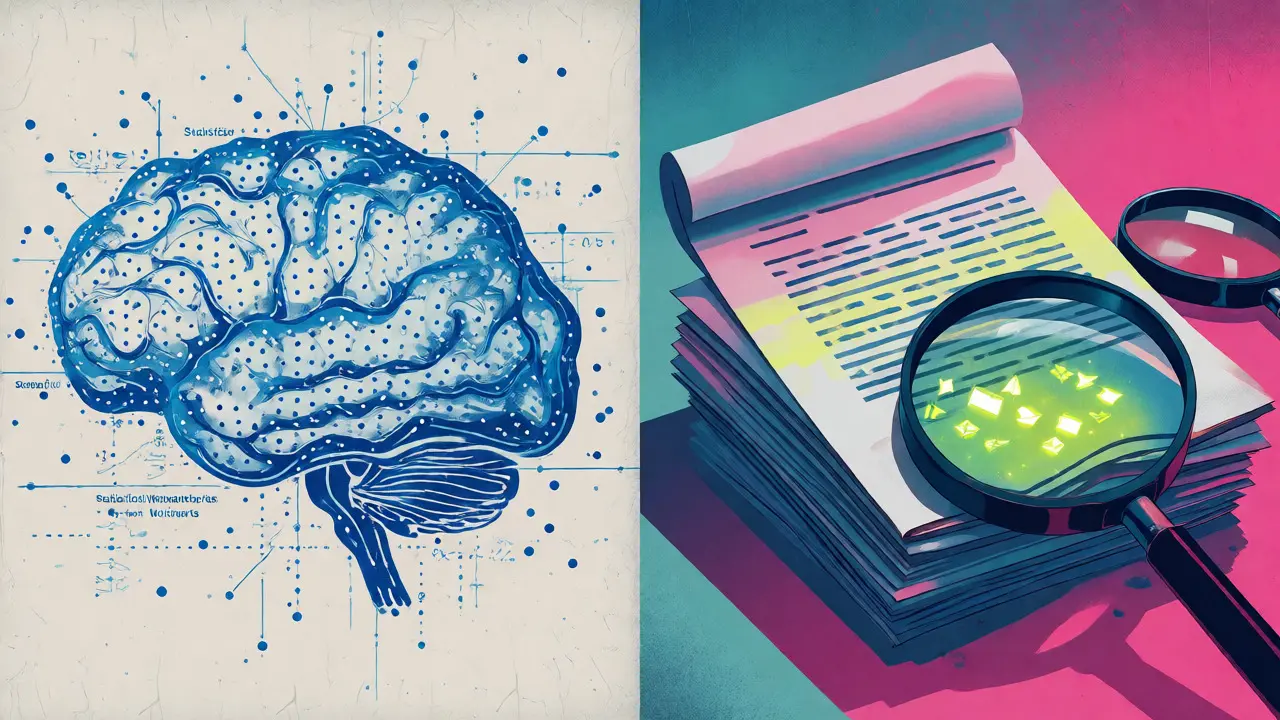
You paste text into an AI watermark detector, and it gives you a score. Maybe it says "98% AI." Maybe it says "Human." But what is that number actually measuring? Is it looking for a secret code embedded in the words? Is it guessing based on style? Or is it just spotting weird formatting artifacts that got stuck there when you copied the text?
The confusion stems from two completely different things people call "watermarks." One is a statistical pattern woven into word choices by models like ChatGPT or Gemini. The other is literal invisible characters-like zero-width spaces-that hide inside the text file itself. A standard scanner might flag one but miss the other entirely. Worse, if you try to "clean" the text using a basic editor, you might strip out the invisible clutter while leaving the statistical signature untouched, or vice versa.
The Two Types of AI Watermarks
To understand what a scan can find, you have to know what it’s looking for. There are two distinct layers where provenance data lives.
Statistical watermarks are invisible patterns in how a model chooses words. In October 2026, OpenAI rolled out textGrain, a system that subtly biases next-word selection in ChatGPT outputs within the EU. Similarly, Google’s SynthID-Text adjusts probability distributions in Gemini responses. These aren’t characters you can delete. They are mathematical fingerprints. If you rewrite the sentence heavily, the fingerprint fades. If you copy-paste it exactly, it remains.
Invisible character watermarks are actual Unicode symbols inserted into the text string. Sometimes these are intentional (like hidden instructions), but often they are accidental byproducts of copying from web interfaces or specific model versions. For instance, in April 2025, users noticed narrow no-break spaces (U+202F) appearing in ChatGPT o3 and o4-mini outputs. These are real bytes in the file. You can see them with a hex editor. You can delete them. And crucially, deleting them does not remove the statistical watermark mentioned above.
| Feature | Statistical Watermark (e.g., textGrain) | Invisible Characters (e.g., U+202F) |
|---|---|---|
| Nature | Pattern in word choice probabilities | Hidden Unicode code points |
| Removal Method | Heavy rewriting or translation | Character cleaning tools |
| Detection Tool | Proprietary ML classifiers | Hex editors or specialized scanners |
| Survives Copy-Paste? | Yes, unless rewritten | Yes, travels with the text |
What a Standard Scanner Actually Sees
Most online "AI detectors" are classifiers. They don’t read a cryptographic key; they guess. They look at perplexity (how surprised the model is by the word sequence) and burstiness (variation in sentence structure). Human writing is messy and varied. AI writing tends to be smoother and more predictable.
When you run a scan, here is what the tool is typically doing:
- Analyzing Syntax: Checking for repetitive sentence structures common in LLMs.
- Measuring Vocabulary: Looking for overused transition words like "delve," "landscape," or "crucial."
- Spotting Artifacts: Some advanced scanners also check for known invisible characters, like the byte-order mark (U+FEFF) or zero-width joiners, which often accompany text copied from rich-text environments.
Here is the catch: A classifier cannot prove who wrote the text. It only estimates probability. If a human writes very formally, they might get flagged as AI. If an AI output is heavily edited, it might pass as human. The "watermark" detected by these tools is usually a correlation, not a cause.
Why Invisible Characters Break Your Workflow
While statistical watermarks affect academic integrity debates, invisible characters break actual software. This is where remove invisible characters from text becomes a practical necessity rather than a philosophical question.
Consider a developer copying code from a ChatGPT response. If that response contains a narrow no-break space (U+202F) instead of a regular space, the code won’t compile. The error message will point to a line number, but the culprit is a character that looks identical to a normal space. The same applies to YAML files, JSON data, and database entries. A zero-width space (U+200B) inside a username field can make "John Doe" and "John Doe" appear identical to the user but be treated as different records by the database.
These characters often come from:
- Web Interfaces: CSS styling sometimes injects non-breaking spaces to prevent awkward line breaks.
- PDFs: Converting PDFs to text frequently leaves behind control characters and soft hyphens.
- Specific Model Outputs: As noted, certain ChatGPT models have historically emitted U+202F characters.
How to Check and Clean Text Properly
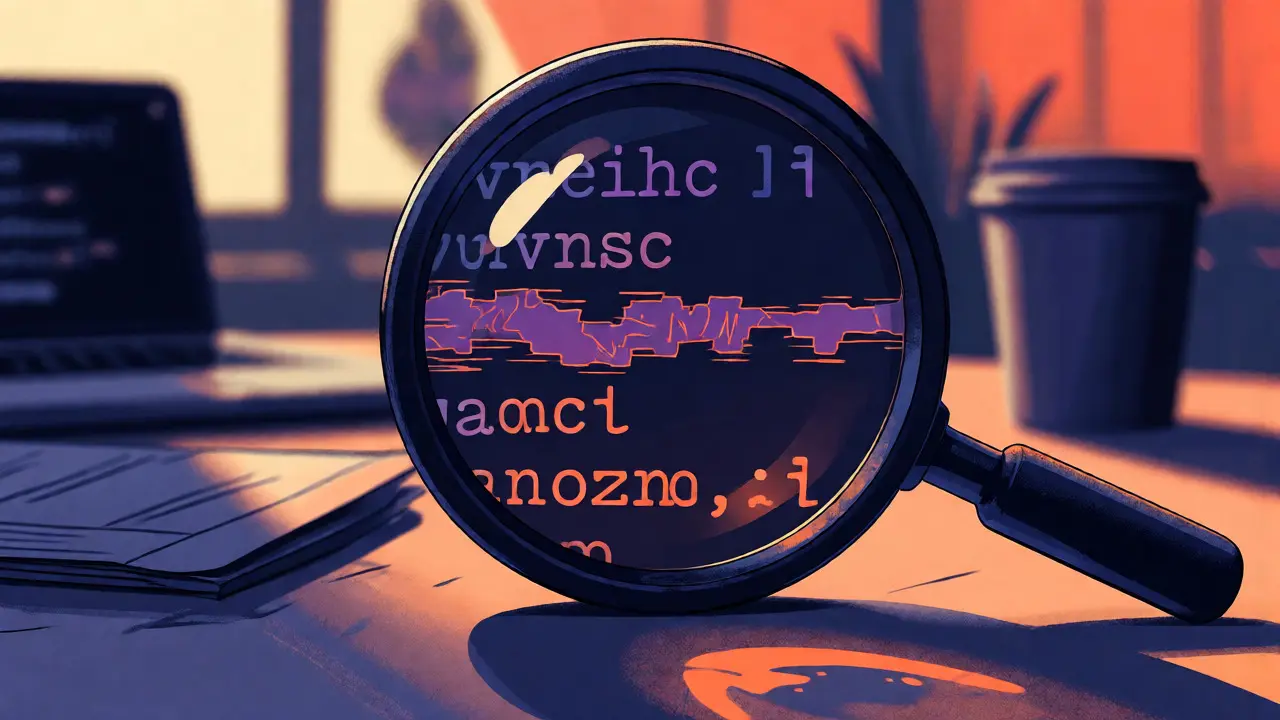
If you need to verify if your text contains hidden baggage, you need a tool that shows you the raw code points, not just a "yes/no" verdict. Standard word processors have "Show Whitespace" options, but they often hide the really tricky ones like zero-width joiners or bidirectional overrides.
A dedicated free tool runs directly in your browser, meaning your text never leaves your device. This privacy-first approach is critical if you’re handling sensitive documents. When you paste text into this checker, it highlights every suspicious character with its Unicode value. You can see exactly what is hiding between the words.
For example, if the tool flags a sequence of tag characters (U+E0000-U+E007F), those might contain hidden prompt injection instructions-essentially commands meant for an AI assistant that are invisible to human readers. Cleaning these out ensures that when you feed text to another AI agent, it doesn’t execute hidden instructions accidentally.
It’s important to note that this process removes formatting artifacts. It does not alter the statistical watermark. If you paste text generated by Gemini, removing the invisible spaces won’t erase SynthID’s statistical signature. The wording remains the same, so the probability-based detection remains high.
Limitations: What a Scan Cannot Prove
Even with perfect character cleaning, a scan has blind spots. Here is what no current technology can definitively tell you:
- Authorship Identity: A detector can say "This looks like AI." It cannot say "ChatGPT account #12345 wrote this." Unless there is a signed metadata record (like C2PA for images, which is less mature for text), the chain of custody is broken once you copy-paste.
- Human-AI Hybridization: If you take an AI draft and edit 20% of the words, most detectors will struggle. They might label it "mixed" or fail to detect the AI origin entirely because the statistical signal has been diluted.
- Translation Effects: Translating text into another language and back again often destroys both statistical watermarks and some invisible characters, effectively resetting the detection clock.
This means you should treat detector scores as weak evidence, not proof. In academic or professional settings, relying solely on a percentage score is risky. False positives happen, especially for non-native English speakers whose writing naturally exhibits lower lexical variation-a trait detectors associate with AI.
Practical Steps for Clean Text
If you want to ensure your text is free of technical glitches caused by hidden characters, follow this simple workflow:
- Paste: Take your text from the source (ChatGPT, Claude, a PDF, etc.).
- Scan: Use a Vaulternal tool or similar browser-based checker to identify invisible Unicode.
- Review: Look at the highlighted characters. Are they necessary? (Note: Some scripts, like Hindi or Persian, rely on specific joiners. Don’t blindly delete everything.)
- Clean: Remove the unnecessary artifacts. Save the clean version.
This routine solves layout issues in CMS platforms, prevents code errors, and sanitizes input for downstream AI agents. It doesn’t change the fact that the text was likely machine-generated, but it makes the text technically robust.
Frequently Asked Questions
Does removing invisible characters remove the AI watermark?
No. Invisible characters are formatting artifacts (like U+202F). Statistical watermarks (like textGrain or SynthID) are patterns in word choice. Removing the former does not affect the latter.
Can I use a watermark detector to prove my student didn't cheat?
Not reliably. Detectors produce false positives, particularly for formal or second-language writing. They indicate probability, not certainty. Use them as one piece of evidence alongside drafts and oral discussions.
Why does my code break after copying from ChatGPT?
It likely contains invisible characters like narrow no-break spaces (U+202F) or zero-width spaces (U+200B). These look like normal spaces but are invalid in many programming syntax contexts.
Is textGrain available worldwide?
As of late 2026, OpenAI’s textGrain watermarking is primarily rolling out for ChatGPT and Codex users in the European Union to comply with the EU AI Act, with opt-in availability for API customers elsewhere.
Do all AI models use the same type of watermark?
No. Each provider uses proprietary methods. OpenAI uses textGrain, Google uses SynthID-Text, and Anthropic uses its own internal marking. They are not interoperable; a detector for one may not work for another.