
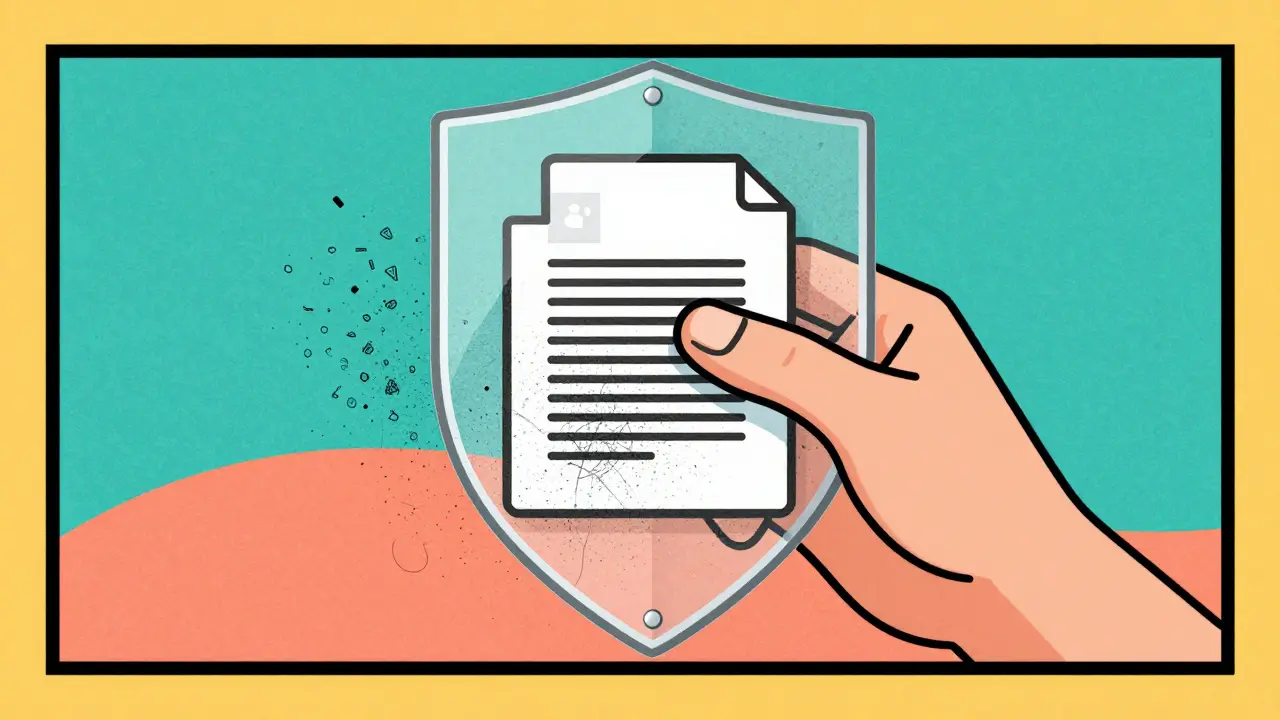
Every time you snap a photo or save a document, your device quietly tucks away a trail of hidden details. GPS coordinates, camera serial numbers, edit history, and even the name of the person who last touched the file all live inside that data packet. When you upload these files to social media, email them to a colleague, or post them online, that hidden information travels with them unless you take steps to strip it out.
This is where free online metadata removers come in. They promise a quick way to scrub sensitive data before sharing. But here is the catch: not all online tools are created equal. Some process your files locally on your own computer, while others force you to upload your private documents to a stranger’s server. Understanding the difference between these two approaches is the only way to know what is actually safe.
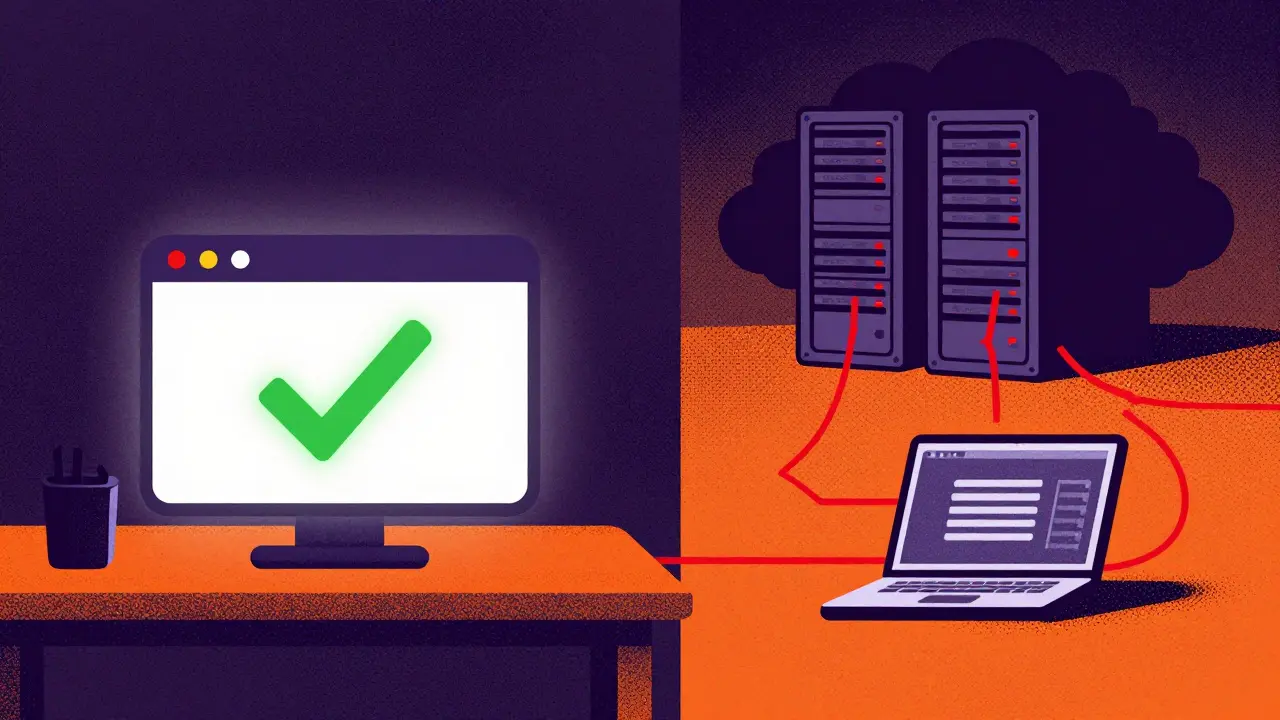
The Two Ways Online Tools Handle Your Files
When you use a web-based tool to clean your files, one of two things happens behind the scenes. Identifying which method a tool uses is the single most important step in protecting your privacy.
1. Client-Side Processing (The Safe Route)
In this model, the cleaning software runs entirely within your browser using JavaScript or WebAssembly. You select a file, the code processes it locally on your hard drive, and then offers you the cleaned version for download. At no point does the actual content of your image or document leave your device. The network traffic might show a request to load the website’s interface, but the heavy lifting-and the sensitive data-stays put.
2. Server-Side Processing (The Risky Route)
Here, you must upload the original file to the provider’s cloud servers. Their system strips the metadata, saves the new file, and sends it back to you. While many providers claim they delete your files immediately after processing, this requires a leap of faith. During that brief window, your data exists on their infrastructure. If their security is weak, if they keep logs for analytics, or if they ever change their privacy policy, your private location data or document drafts could be exposed.
What Is Actually Hidden in Your Files?
Before deciding how to remove data, it helps to know exactly what you are trying to hide. Different file types carry different kinds of baggage.
- Photos (JPG, PNG, TIFF): These often contain EXIF data. This includes the exact GPS latitude and longitude of where the photo was taken, the make and model of the camera, the shutter speed, and sometimes even the camera’s unique serial number. Phone photos also embed operating system versions and editing app names.
- Videos (MP4, MOV): Video containers hold similar location and device data as photos, plus recording timestamps and software tags from editing suites like Premiere Pro or Final Cut.
- PDFs: PDFs have two layers of metadata. There is the older "Info dictionary" (Author, Creator, Creation Date) and the newer XMP stream. A sloppy cleaner might wipe one but leave the other intact.
- Office Documents (DOCX, XLSX): These are essentially ZIP archives containing XML. They store the author’s name, total editing time, company affiliation, and revision history. If you send a resume or a contract, this data reveals more than just the text on the page.
Evaluating Popular Free Online Tools
Let’s look at how some common free tools stack up against each other based on their architecture and transparency.
| Tool Name | Processing Method | Supported Formats | Safety Verdict |
|---|---|---|---|
| Vaulternal Metadata Remover | Client-Side (Browser Only) | Images, PDF, Video, Office Docs | High Safety: Files never leave your device. No signup required. |
| PDF24 | Client-Side (Browser Only) | PDFs | High Safety: Excellent for PDFs specifically. Local processing. |
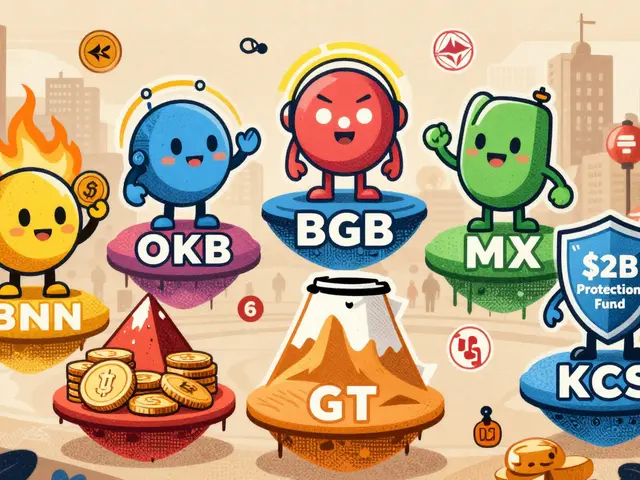
| ExifReader / ExifRemover.com | Server-Side (Upload Required) | 360+ formats (Images, Video, Docs) | Moderate Risk: Convenient and thorough, but requires uploading sensitive files to their server. |
| Metadata2Go | Server-Side (Upload Required) | General purpose | Moderate Risk: Admits it may not remove all metadata; relies on server trust. |
| Internxt | Server-Side (Upload Required) | General purpose | Moderate Risk: Privacy-focused brand, but still involves an upload step. |
Why Client-Side Tools Are Safer
Tools that run in your browser eliminate the biggest vulnerability in digital privacy: the transfer of data over the internet to a third party. With a client-side solution, there is no server log entry containing your file hash, no temporary storage bucket holding your vacation photos, and no risk of a data breach exposing your personal documents.
You can verify this yourself. Open your browser’s developer tools (usually by pressing F12), go to the "Network" tab, and refresh the page. Upload a test file to a client-side tool. You will see the code downloading, but you won’t see a massive POST request sending your megabyte-sized video or high-res photo to a remote URL. That absence is the hallmark of true privacy.
Vaulternal's Metadata Remover operates on this principle. It handles images, PDFs, videos, and Office documents entirely within the browser environment. Because it doesn't require an account or an upload, it removes the friction of signing up while simultaneously removing the risk of handing over your data. It also includes a feature that lets you inspect what metadata is currently hiding in your file before you decide to strip it, giving you full visibility into the process.
The Risks of Uploading to Server-Side Services
Server-side tools like ExifReader or Metadata2Go are undeniably convenient. They support hundreds of obscure file formats and often provide detailed previews of the metadata they found. For casual users sharing a generic landscape photo on Instagram, the risk is negligible. However, the threat model changes drastically for journalists, whistleblowers, real estate agents listing a home, or anyone handling confidential corporate documents.
When you upload a file to a server, you are trusting the provider’s word. Even if they state that files are "deleted immediately," that deletion usually means removing the file reference from their database. The actual bytes might sit on a hard drive until the next scheduled cleanup cycle. More concerning is the potential for secondary use. Many free online services fund their operations through advertising or data analytics. Without a strict, independently audited privacy policy guaranteeing zero-retention, there is always a non-zero chance that your uploaded content contributes to their business model.
Best Practices for Safe Metadata Removal
To keep your digital footprint under control, follow these practical steps whenever you prepare a file for public sharing:
- Inspect First: Before removing anything, check what is there. Use a viewer mode to see if GPS coordinates or author names are embedded. If the file is clean, you don't need to touch it.
- Prioritize Client-Side Tools: Whenever possible, choose a tool that processes files locally. This ensures that sensitive material never traverses the public internet.
- Verify the Result: After cleaning, open the new file in a properties window or a metadata viewer to confirm the sensitive fields are gone. Ensure essential display data (like color profiles or orientation) remains so the file still looks correct.
- Avoid Server Uploads for Sensitive Data: Never upload whistleblower evidence, medical records, or unreleased financial reports to a free online converter. The convenience is not worth the exposure risk.
- Keep Software Updated: Browser-based tools rely on modern web standards. Using an outdated browser can introduce security vulnerabilities that negate the benefits of client-side processing.
Conclusion: Trust Architecture, Not Just Promises
The label "free" does not mean "safe." In the world of online utilities, the safest option is the one that asks for the least amount of access to your life. By choosing tools that run directly in your browser, you maintain control over your data from start to finish. You get the privacy benefit without the blind trust required by upload-based services.

JEVON HALL
June 4, 2026 AT 02:11yo this is actually super helpful info 🙌 i always just upload stuff to random sites without thinking about it but now im scared lol. the part about client-side vs server side makes total sense. if the file never leaves my browser then there is no way they can steal my data right? that seems like the only logical way to do it safely. i was using one of those server side ones before and didnt realize they might keep logs or whatever. thanks for breaking it down so simply 👍
Caitlin Donahue
June 6, 2026 AT 00:19i really appreciate how clear this explanation is. it is easy to get overwhelmed by all the technical jargon out there but you made it very accessible. i have been worried about my photos having location data since i started sharing them on social media. knowing that i can check the network tab in developer tools gives me a bit more confidence to verify what is happening. it feels good to take control of my own privacy instead of just trusting companies blindly.
Karthikeyan S
June 7, 2026 AT 10:49honestly most people are too stupid to care about metadata until it is too late 😒 why do we even need these tools if everyone just uploads everything anyway? it is pathetic how little privacy people value these days. you think you are safe but you are not. the whole internet is built on surveillance capitalism and pretending otherwise is delusional. stop acting like a free tool fixes your broken life choices 🤡
Madhu Menon
June 8, 2026 AT 07:14the concept of digital footprint is quite fascinating when you think about it deeply. every action we take online leaves a trace, much like footprints in sand that eventually wash away but leave an impression. metadata is the modern equivalent of those hidden traces. it raises philosophical questions about ownership of our personal information. do we truly own our data once it is digitized? or does it become part of a larger collective consciousness managed by corporations? 🤔
verna kennedy
June 9, 2026 AT 22:47you should know better than to trust any online tool completely. even the client-side ones could potentially have vulnerabilities in their javascript code. it is naive to think that just because it runs in your browser it is perfectly secure. hackers are always finding new ways to exploit systems. you need to be paranoid to stay safe in this world. relying on free tools is a recipe for disaster.
Kelly Tenney
June 10, 2026 AT 04:37this is such an important topic for everyone to understand. i feel like so many people are unaware of what information they are inadvertently sharing. it empowers us to take small steps to protect ourselves. checking the metadata before sending sensitive documents is a great habit to build. let us all look out for each other and share this knowledge with friends and family who might not know about these risks.
Caralee Robertson
June 10, 2026 AT 10:05i tried using one of those pdf cleaners last week and it took forever to upload my file. now i see why i should have used a local tool instead. its scary to think my resume sat on some random server for who knows how long. i hope nothing bad happened. thanks for the tip about checking the network tab, i will try that next time to make sure its actually processing locally.
Greg Lewis
June 12, 2026 AT 09:13why are you guys so obsessed with privacy? nobody cares about your gps coordinates unless you are a spy or something. living in fear of metadata is ridiculous. you are probably overthinking it. the real danger is not metadata its getting hit by a car while looking at your phone. prioritize your physical safety over imaginary digital threats. stop being so paranoid and just live your life already