Cross-Chain Bridge Fee & Time Estimator
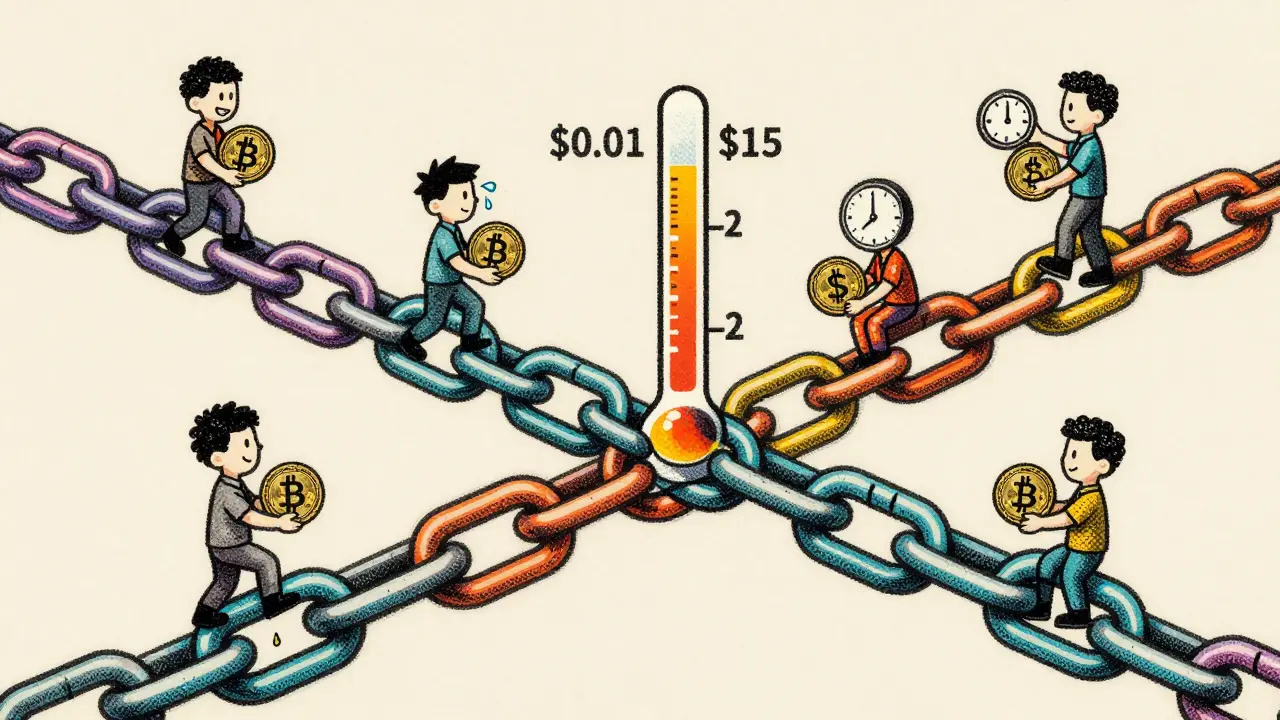
When you move crypto from Ethereum to Binance Smart Chain, you’re not just clicking a button-you’re paying a fee and waiting for time to pass. And that wait? It could be under a second. Or it could be 25 minutes. The fee? Maybe $0.01. Or maybe $15. It all depends on bridge fees and transaction times, two factors most users ignore until something goes wrong.
How Bridge Fees Actually Work
Bridge fees aren’t like regular gas fees. They’re not just for the blockchain. They’re for the bridge itself-the middleman that moves your tokens from one chain to another. Every bridge charges something. Some charge a flat rate. Others charge a percentage. And a few adjust the fee based on how busy the network is.Stargate charges about 0.06% per transfer. That’s it. No surprises. Wormhole? Often under $0.01, even for big transfers. But Synapse and Symbiosis? They use something called an AMM model-like a decentralized exchange-that changes the fee based on liquidity. If there’s lots of money in the pool, your fee drops. If the pool is low, your fee goes up. Users report saving up to 80% with these dynamic systems when liquidity is high.
Some bridges let you pay in their native token to get a discount. Symbiosis, for example, gives lower fees if you stake its token. But that means you need to hold that token, which adds risk. Most people just pay in the asset they’re moving-like ETH or USDC. And yes, those fees go straight to the bridge operator, not the blockchain.
Why Ethereum Bridges Are So Unpredictable
If you’re bridging from Ethereum, you’re playing with fire. Ethereum’s network gets crowded. When NFTs drop, DeFi protocols spike, or someone mints 10,000 tokens at once, gas prices go wild. That affects bridges built on Ethereum because they rely on its blockchain to lock your assets before minting them on the other side.A $10 transfer on Ethereum might cost $0.50 in normal times. During peak hours? $12. That’s not the bridge’s fault-it’s Ethereum’s congestion. Wallets like MetaMask show you the estimated fee before you confirm, but you can’t always trust it. If you set a low fee to save money, your transaction might sit in the mempool for hours.
And here’s the kicker: even if the bridge says it’s fast, the Ethereum side controls the first step. If Ethereum is slow, the whole bridge is slow. No shortcut.
Speed Differences: From Sub-Second to 25 Minutes
Not all bridges are built the same. Some are like express trains. Others are like old buses with 10 stops.Stargate’s light-node model processes transfers in under a second. That’s because it doesn’t wait for full blockchain confirmations-it uses a simplified verification system trusted by validators. It’s fast, but it still needs security checks.
Wormhole is also fast, often under 5 seconds. But Synapse and Symbiosis? They take 2 to 5 minutes. Why? They’re optimizing for cost, not speed. They wait for better liquidity conditions, reroute through multiple pools, and minimize slippage. For a $50,000 transfer, that delay saves you thousands in price impact.
On Binance Smart Chain (BSC), things are simpler. Blocks finalize every 3 seconds. Most bridges require 60 confirmations, which takes about 5 minutes. That’s why Binance Bridge often feels instant-it’s not on Ethereum. It’s on BSC, which was designed for speed and low cost. BSC handles up to 10,000 transactions per second, so even during busy times, it barely blinks.
But if you’re sending from Ethereum to BSC, the delay isn’t just from the bridge. It’s from Ethereum’s 13-minute finality window. Even if the bridge finishes its job in 10 seconds, you still wait for Ethereum to fully confirm the lock. That’s the bottleneck.
Trusted vs. Trustless Bridges: Who’s Really in Control?
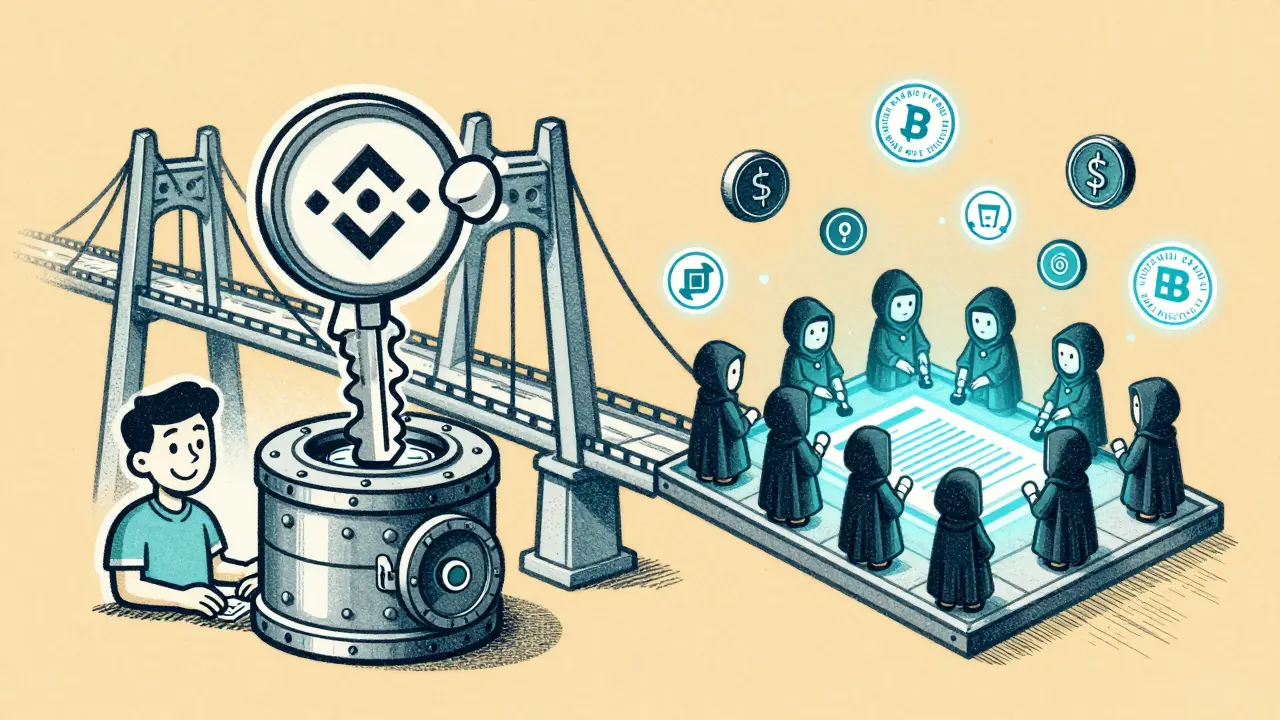
There are two kinds of bridges: trusted and trustless.Trusted bridges, like Binance Bridge, are centralized. Binance holds the keys. You send your ETH to their wallet. They lock it. Then they mint an equivalent amount of BEP-20 ETH on BSC. It’s fast. It’s cheap. But you’re trusting Binance not to vanish, get hacked, or freeze your funds. In 2022, the Ronin Bridge hack cost $600 million because it was centralized and had too few validators.
Trustless bridges use smart contracts. No company holds your money. Your funds go into a locked contract on Ethereum. A set of independent validators-often 10 to 50-sign off that the lock happened. Then, a contract on the destination chain mints your tokens. No middleman. No single point of failure. But this system costs more. More validators = more computing power = higher fees. And if a contract has a bug? Your money could be stuck forever.
Most DeFi users prefer trustless bridges. But they’re willing to pay more for that peace of mind.
Unidirectional vs. Bidirectional: Can You Go Back?
Some bridges are one-way. You send ETH to Solana, and you get wrapped ETH on Solana. But you can’t send it back without using a different bridge. That’s a problem if you change your mind.Bidirectional bridges, like Stargate and Symbiosis, let you move assets both ways. You can send USDC from Ethereum to Arbitrum, then send it right back. That’s because they use matching lock-and-mint contracts on both chains. When you send back, the system burns your tokens on the destination chain and unlocks the originals on Ethereum.
Always check if a bridge is bidirectional before you move large amounts. You don’t want to get stuck with tokens you can’t convert back.
How Transaction Size Affects Cost and Speed
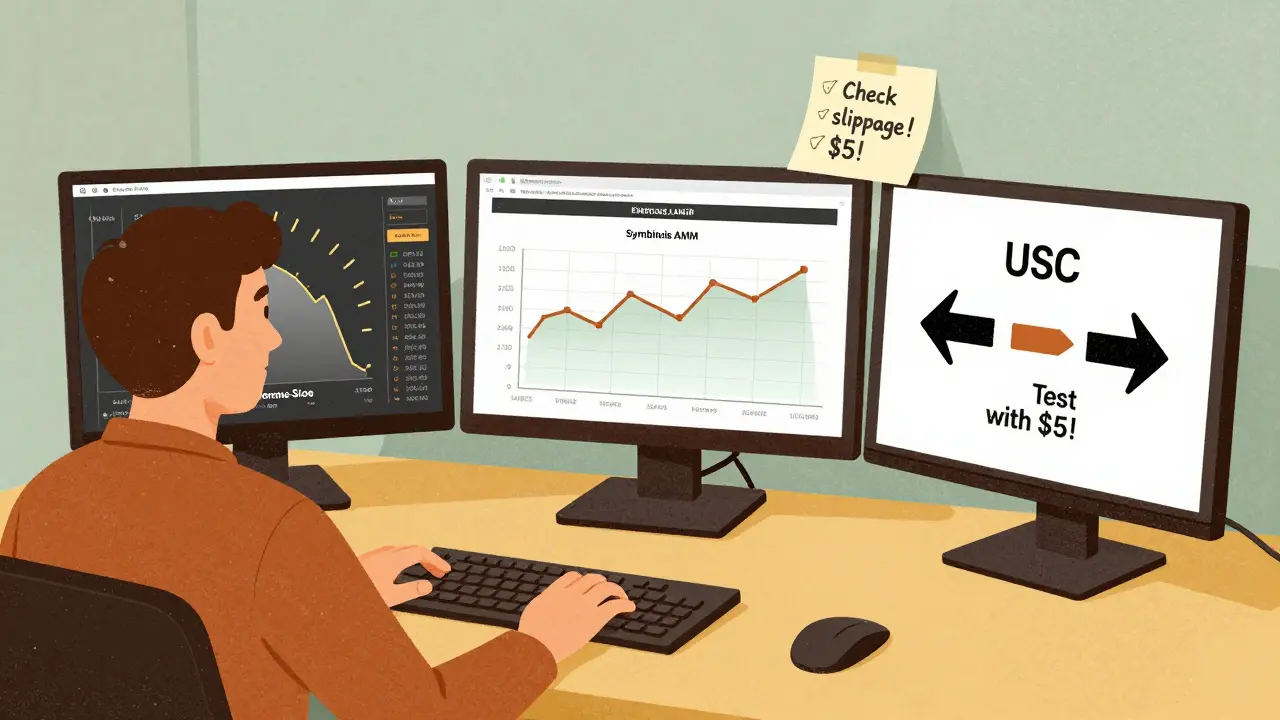
A $10 transfer and a $100,000 transfer aren’t the same. Bigger transfers mean more data, more complex contract interactions, and higher risk of slippage.Slippage is when the price of your token changes during the transfer. If you’re moving $50,000 of USDC and the bridge has shallow liquidity, the price might drop 1% by the time the transaction finishes. That’s $500 gone. Good bridges like Symbiosis let you set a max slippage tolerance-say, 0.5%. If the price moves more than that, the transaction cancels.
Larger transfers also trigger higher fees on AMM bridges. But they also get better routing. Advanced bridges scan dozens of liquidity pools and pick the cheapest, fastest path. Some even split your transfer across multiple routes to reduce risk.
What You Should Do Before You Bridge
Don’t just click “Bridge.” Do this first:- Check the bridge’s fee structure-is it flat, percentage, or AMM?
- Look at the current network congestion on the source chain (Etherscan for Ethereum, BSCScan for BSC).
- Use a bridge that shows you the full breakdown: estimated fee, estimated time, and slippage.
- Set your slippage tolerance. 0.5% is safe for stablecoins. 1-2% for volatile tokens.
- Confirm it’s bidirectional if you might need to move back.
- Never bridge from a wallet you don’t control. Use MetaMask, Coinbase Wallet, or Phantom-never an exchange wallet.
And always test with a small amount first. Send $5. Wait. See how long it takes. Check if the tokens show up. Then go big.
Why This Matters More Than Ever
Cross-chain bridges aren’t a luxury anymore. They’re essential. With over 100 active blockchains, you need to move assets between them. But bridges are also the most targeted attack surface in DeFi. In 2024, over $1.2 billion was stolen through bridge exploits. Most of those attacks happened because bridges had weak validator sets or poorly audited contracts.That’s why the best bridges today aren’t just fast and cheap-they’re secure. They use multi-sig validators, have public audits from firms like CertiK or Trail of Bits, and allow community governance. If a bridge doesn’t publish its security model, walk away.
As Ethereum moves toward single-slot finality and layer-2s get faster, bridge speeds will improve. But fees? They’ll always exist. The goal isn’t to eliminate them-it’s to understand them so you’re never surprised.
Why do bridge fees vary so much between platforms?
Bridge fees vary because each platform uses a different model. Some charge a flat fee (like Wormhole at under $0.01), others take a percentage (like Stargate at 0.06%), and some use dynamic pricing based on liquidity (like Synapse). Centralized bridges often have lower fees because they don’t need complex smart contracts or many validators. Decentralized bridges cost more due to higher computational and security overhead.
How long does a typical crypto bridge transfer take?
Transfer times range from under a second to 25 minutes. Stargate and Wormhole complete transfers in under 5 seconds. Symbiosis and Synapse take 2-5 minutes because they optimize for low slippage. If you’re bridging from Ethereum, expect an extra 5-15 minutes for Ethereum’s finality, even if the bridge finishes quickly. Binance Smart Chain transfers usually take 5 minutes total due to 60 required confirmations.
Is it safer to use a centralized or decentralized bridge?
Decentralized bridges are safer for long-term use because they don’t rely on a single company to hold your funds. They use smart contracts and multiple validators, reducing the risk of theft or censorship. But they’re not foolproof-poorly coded contracts can be hacked. Centralized bridges like Binance Bridge are faster and cheaper, but you’re trusting a company with your assets. If Binance gets hacked or freezes accounts, you lose access. For large amounts, use decentralized bridges with strong audits.
Can I avoid bridge fees entirely?
No. Every bridge charges something. Even if a platform says “zero fee,” you’re still paying network gas fees on the source and destination chains. Some bridges reduce their own fee by letting you pay in their native token, but that requires holding that token. The only way to avoid bridge fees is to stay on one blockchain-something most DeFi users can’t do anymore.
Why does my transfer take longer if I set a low gas fee?
The bridge can’t move your assets until the source blockchain confirms the lock transaction. If you set a low gas fee on Ethereum, your transaction sits in the mempool until miners pick it up. That could take minutes-or hours. The bridge waits for that confirmation before proceeding. Always use a gas estimator and don’t cut corners-especially on Ethereum.
What’s the biggest mistake people make when using bridges?
They skip the preview. Many users click “Bridge” without checking the final amount they’ll receive, the total fee, or the slippage tolerance. A $10,000 transfer might show $9,900 after fees, but if slippage is 2%, you could end up with $9,800. Always read the full breakdown. And never bridge to a token you don’t recognize-scammers create fake tokens on new chains to trick users.

Madison Agado
December 7, 2025 AT 06:02It’s wild how bridges turned into this weird mix of financial instrument and black box. You’re not just moving crypto-you’re gambling on liquidity pools, validator trust, and whether Ethereum decided to throw a tantrum today. I’ve lost count of how many times I’ve watched a 5-second promise turn into a 20-minute wait because someone minted 20k NFTs at 3 a.m. The real cost isn’t the fee-it’s the anxiety.
Roseline Stephen
December 7, 2025 AT 11:42I always test with $5 first. Just to see if the tokens show up. And if the bridge doesn’t show slippage estimates? I walk away. No point risking $5k on a platform that won’t tell me how much I’m gonna lose before I click.
Jon Visotzky
December 8, 2025 AT 10:56so like i just bridged 12k usdc from eth to arb and the fee was 0.03 eth?? like wtf thats not 0.06% that's like 3% right?? and it took 7 mins?? i thought stargate was instant?? did i get scammed or is this just eth being eth again
Isha Kaur
December 9, 2025 AT 22:52Honestly, I think people underestimate how much the underlying blockchain architecture affects everything. Ethereum’s finality window isn’t just a technical detail-it’s a psychological barrier. You click bridge, you think it’s done, but your brain’s still waiting for that confirmation that never comes because the network’s congested. And when you’re dealing with large sums, that waiting period feels like an eternity. That’s why I always check Etherscan before even opening the bridge interface. If the gas is above 50 gwei, I just wait until the next morning. It’s not about saving a few dollars-it’s about preserving your peace of mind. Also, I’ve noticed that bridges like Symbiosis actually get faster when you hold their token, not just because of the discount, but because they prioritize transactions from stakers. It’s a quiet incentive system that rewards loyalty without screaming about it. Kinda beautiful, in a blockchain way.
Glenn Jones
December 10, 2025 AT 14:10BRIDGES ARE A SCAM. EVERY SINGLE ONE. THEY ALL STEAL YOUR MONEY. I LOST 47K ON SYNAPSE BECAUSE THE LIQUIDITY POOL WAS DRY AND THEY DIDNT EVEN TELL ME THE SLIPPAGE WOULD BE 5% AND NOW I HAVE A TOKEN I CANT SELL AND THE DEV TEAM IS GONE AND THE CONTRACT ISN’T AUDITED AND THE WHOLE THING IS A SCAM AND WHY DOES NOBODY TALK ABOUT THIS??