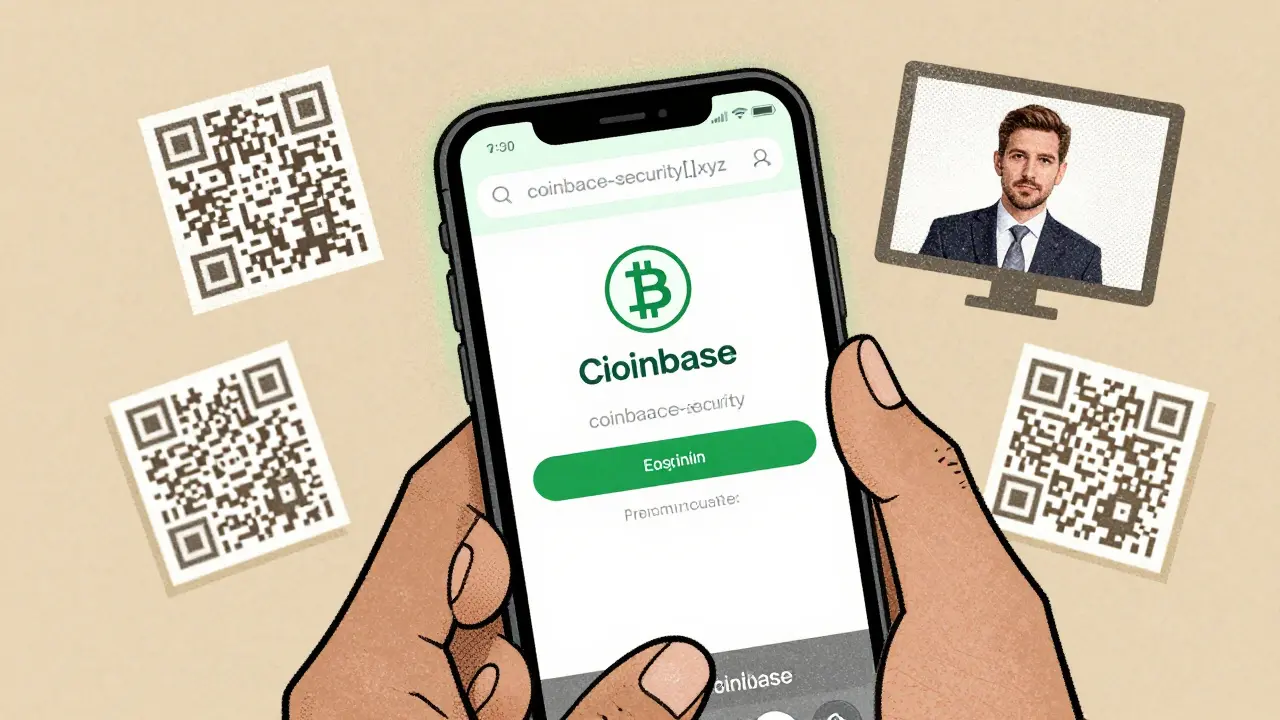
Every year, millions of people lose millions of dollars to crypto phishing-and most of them didn’t even realize they were being tricked until it was too late. In 2024 alone, victims lost $9.3 billion to phishing attacks, according to the FBI’s Financial Crime Report. By early 2025, new scams were popping up daily, using AI-generated videos of CEOs, fake QR codes, and websites that looked identical to Coinbase or Binance. The truth? You don’t need to be a tech expert to avoid these scams. You just need to know what to look for.
What Crypto Phishing Actually Looks Like
Crypto phishing isn’t just about bad emails. It’s about tricking you into giving up control of your wallet. Unlike regular banking phishing, which tries to steal your username and password, crypto phishing wants your seed phrase-the 12 or 24 words that give full access to your crypto. No legitimate exchange, wallet, or support team will ever ask for these. Ever. If someone does, it’s a scam. In 2025, the most common phishing tactics are:- Credential harvesting pages (72% of cases): Fake login screens that copy real exchanges perfectly. These sites often use domains like coinbase-security[.]net or binance-support[.]xyz-look closely at the spelling.
- QR code scams (18%): You get a PDF or image with a QR code that says "Claim your bonus" or "Verify your wallet." Scan it, and you’re sent to a fake site that steals your private key.
- Password-protected PDFs (22%): The password is usually in the email: "Your password is: 123456." Open it, and you’re tricked into entering your seed phrase on a hidden form.
- Deepfake videos (1% but deadly): AI-generated clips of Vitalik Buterin or Brian Armstrong saying, "We need you to verify your wallet for security." These videos look real. They sound real. But they’re not.
How to Spot a Fake Website
The best phishing sites look flawless. But they always have one tiny flaw. Here’s how to find it:- Check the URL-not just the domain name, but every letter. Scammers use homoglyphs: replacing "a" with the Cyrillic "а", or "l" with "1". A fake site might say "etherium.com" instead of "ethereum.com".
- Hover before you click-on desktop, put your mouse over any link without clicking. The real URL will show up in the bottom-left corner. If it doesn’t match the official site, close the tab.
- Look at the SSL certificate-click the padlock icon next to the URL. Does it say "Coinbase, Inc."? Or "Cloudflare, Inc."? Legitimate sites use certificates issued to the actual company. If it says something generic, walk away.
- Check the domain age-type the domain into a WHOIS lookup tool. If it was registered yesterday? That’s a red flag. Legit exchanges have domains registered for years.
One user on Reddit caught a scam because the login button had a slightly different shade of blue than the real Coinbase site. That’s how detailed these fakes get-but also how easy they are to spot if you’re looking.
Watch Out for Urgency and Pressure
Phishing attacks don’t give you time to think. They use fear to rush you:- "Your account will be suspended in 5 minutes!"
- "You have 30 seconds to approve this transaction!"
- "This is a one-time security update!"
Real services don’t operate like this. If you get an email saying your wallet needs immediate action, do not click anything. Go directly to the official website by typing the URL yourself-or open the app you already have installed. Never follow links from emails, DMs, or texts.
A WalletGuard survey in April 2025 found that 317 people gave up their seed phrases because they were scared their account would disappear. The countdown timer was fake. The threat was fake. But the loss? Real.
Never, Ever Share Your Seed Phrase
This is the golden rule. Repeat it until it’s automatic:No one-no one-will ever ask for your seed phrase.
Not Coinbase. Not MetaMask. Not a Twitter support bot. Not a "security auditor" from a Discord server. Not even your spouse.
Seed phrases are like the master key to your house. If you give it to someone, they can walk in anytime-even if you change the locks later. Once your seed phrase is stolen, your crypto is gone. Forever.
According to Proofpoint’s March 2025 analysis, 89% of crypto phishing pages ask for seed phrases. Only 12% of traditional banking phishing pages do. That’s the difference. Crypto scammers don’t want your login-they want your entire wallet.
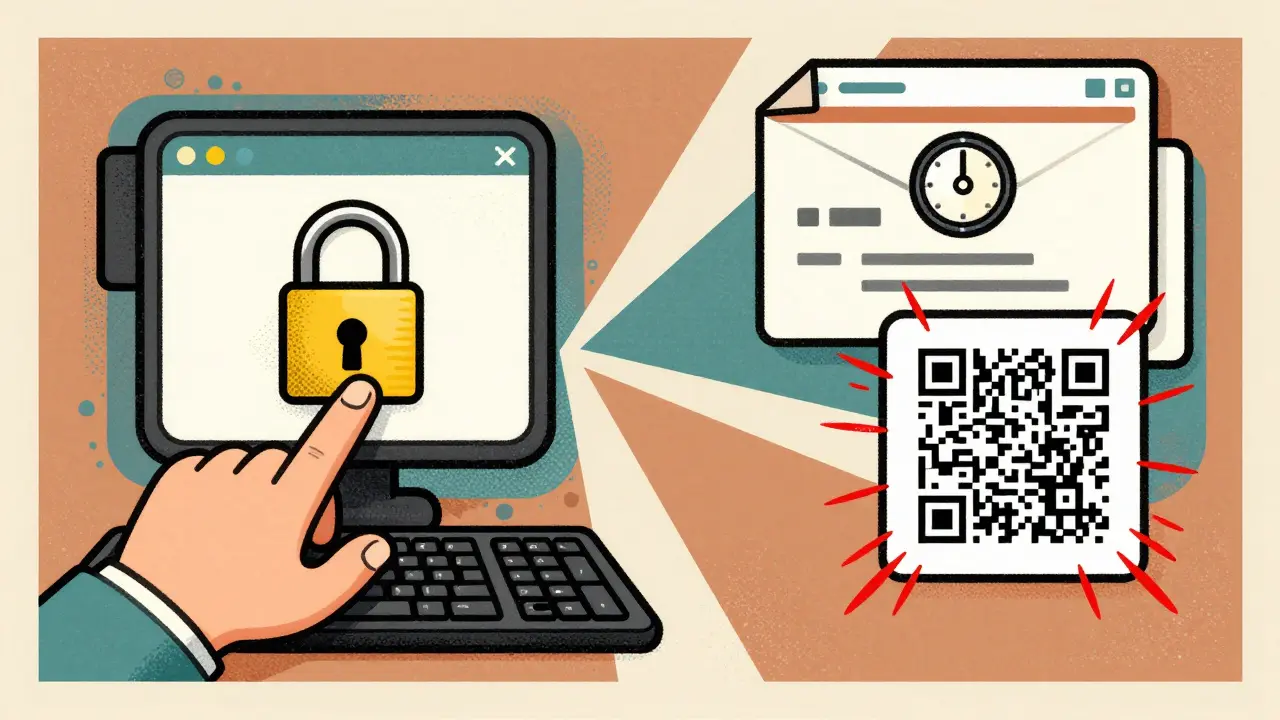
Use the DFPI’s Seven-Step Verification Checklist
The California Department of Financial Protection and Innovation (DFPI) created a simple, proven checklist that’s helped thousands avoid scams. Use it every time you’re asked to interact with a wallet link:- Hover over links to see the real URL before clicking.
- Check the domain registration date-if it’s less than a year old, be extremely cautious.
- Verify the SSL certificate matches the official company name.
- Compare contact info-does the email address match the official domain? A Gmail address claiming to be from Binance? Red flag.
- Never enter credentials via email links-always go to the app or official site manually.
- Confirm urgent requests by contacting support through the official website, not the message you received.
- Use a blockchain explorer to check if a transaction address has been flagged as a scam. Sites like Etherscan or SolanaFM show scam labels.
A WalletGuard study showed that users who followed all seven steps correctly identified 99.3% of phishing attempts. Those who skipped even one step? Only 68.7% accuracy.
Mobile Devices Are the Biggest Weak Spot
Most crypto phishing happens on phones. Why? Because it’s harder to spot fake URLs on a small screen. QR codes are especially dangerous here-people scan them without thinking.iProov’s April 2025 report found that 63% of QR phishing victims used smartphones, and most didn’t check the link before scanning. The fix? Don’t scan QR codes from unsolicited messages. Ever. If you need to connect your wallet, do it manually through the app.
Also, disable automatic link opening in your email and messaging apps. Turn off "preview links" in WhatsApp, Telegram, and Gmail. That way, you won’t accidentally click something before you’ve had time to think.
What About AI and Deepfakes?
Yes, AI is making scams scarier. In Q1 2025, Elliptic recorded 147 cases of deepfake videos where fake CEOs asked users to "verify their wallets." These videos were so convincing that 41% of traditional email filters missed them.But here’s the good news: AI can’t change the rules. No matter how real the video looks, no legitimate company will ever ask you to enter your seed phrase on a website they link to. If you’re unsure, go to the official website directly. Watch the real CEO’s video on YouTube. Compare the voice, the background, the way they speak. Deepfakes still glitch. They still feel off.
And remember: if it sounds too urgent, too important, or too good to be true-it probably is.

Real Stories from Real Victims
One user on BitcoinTalk lost $18,000 after clicking a link in a fake Twitter DM that said, "Your ETH reward is ready." The site looked exactly like MetaMask. The only clue? The URL ended in ".xyz" instead of ".com". He didn’t notice until it was too late.Another user, u/EthereumNewbie on Reddit, almost sent ETH to a phishing site because the domain was "etheriumwallet[.]io"-one letter off. He caught it because he’d read about homoglyph attacks. He posted his story. It got over 2,800 upvotes.
These aren’t rare cases. They’re the norm.
What You Can Do Right Now
You don’t need to be a hacker to stay safe. Just do these five things today:- Write down your seed phrase on paper. Store it in a safe place. Never save it digitally.
- Enable 2FA on all your exchange accounts-but never use SMS. Use an authenticator app like Authy or Google Authenticator.
- Bookmark your favorite wallets and exchanges. Never type them in. Always use your bookmarks.
- Turn off QR code scanning in your messaging apps unless you’re 100% sure of the sender.
- Practice with Coinbase’s Phishing Test-it’s free, takes 5 minutes, and trains you to spot fake sites. Over 4.7 million people have used it since January 2025.
Scammers are getting smarter. But you don’t have to be smarter-you just have to be more careful. The best defense isn’t software. It’s awareness.
Can a crypto exchange ever ask for my seed phrase?
No. Never. Not under any circumstances. No legitimate exchange, wallet provider, or customer support agent will ever ask for your seed phrase. If someone does, it’s a scam. Your seed phrase is the only key to your crypto. If you give it away, you lose everything.
How do I know if a website is real or fake?
Check the URL carefully for misspellings or strange domains (.xyz, .io, .net). Hover over links to see the real address. Look at the SSL certificate-click the padlock and verify it’s issued to the official company (like "Coinbase, Inc."). If the site was registered in the last 30 days, it’s likely fake. Legit services have domains registered for years.
Are QR codes dangerous for crypto users?
Yes. QR codes are one of the fastest-growing phishing tools. Scammers embed malicious links in PDFs, images, or messages that say "Claim your airdrop" or "Verify your wallet." Scanning them takes you to fake sites that steal your private key. Never scan QR codes from unsolicited sources. Always connect your wallet manually through the official app.
What should I do if I think I’ve been phished?
Act fast. Stop using the compromised wallet. If you still have access, move any remaining funds to a new wallet with a new seed phrase. Report the scam to the DFPI Crypto Scam Tracker and to the exchange involved. Change passwords on all related accounts. Unfortunately, once crypto is sent to a scammer’s wallet, it’s almost impossible to recover. Prevention is your only real protection.
Is two-factor authentication (2FA) enough to protect me?
No. 2FA protects your login, but not your wallet. If a scammer gets your seed phrase, they can move your crypto without needing your password or 2FA code. 2FA helps prevent account takeovers, but it won’t stop someone from stealing your wallet directly. The only way to protect your crypto is to never share your seed phrase and to verify every link before clicking.
Can AI-generated phishing sites be detected by security tools?
Some tools can catch them, but not all. AI can now generate fake websites that mimic real ones with 95% accuracy. Many security filters still miss these because they look legitimate. The best defense isn’t software-it’s you. Always double-check URLs, avoid clicking links from emails, and never enter your seed phrase anywhere. Human verification still beats AI detection every time.


Shruti Sinha
December 15, 2025 AT 18:23Just read this and immediately checked my bookmarks. I’ve been using a password manager to store exchange URLs for months now-no more typing. Also, I keep my seed phrase in a fireproof safe with a steel plate. No digital copies. Ever. Scammers are getting scary good, but basic hygiene still wins.
Kelsey Stephens
December 17, 2025 AT 09:34This is so important. I showed my mom this last week-she’s 68 and just bought her first ETH. She didn’t even know what a seed phrase was. Now she writes hers down on paper and keeps it in her bible. I cried a little. Thank you for writing this like someone who actually cares about people, not just tech.
Tom Joyner
December 17, 2025 AT 13:58It’s amusing how casually people treat cryptographic sovereignty like it’s a grocery list. The fact that 89% of phishing pages target seed phrases suggests most users treat their wallets like a Netflix password. If you don’t understand the difference between key management and authentication, you shouldn’t be holding crypto. But hey, capitalism rewards ignorance.
Abby Daguindal
December 18, 2025 AT 01:42Wow. So you’re saying if you’re not checking WHOIS records and SSL certificates every time you click a link, you’re basically begging to get robbed? And you expect people to do this while scrolling on their phones? That’s not awareness. That’s a full-time job. This post is terrifyingly accurate, but also wildly unrealistic for normal humans.
Patricia Amarante
December 19, 2025 AT 14:19My cousin lost $22k last year because she scanned a QR code from a fake airdrop tweet. She thought it was from Coinbase. I made her watch the DFPI checklist video with me. Now she double-checks every URL. It’s not hard. Just slow down. Seriously. Breathe before you click.
SeTSUnA Kevin
December 20, 2025 AT 21:13QR codes are the new phishing vector of choice because they bypass cognitive scrutiny. Humans visually parse URLs; QR codes abstract that. A 2024 MIT study showed 78% of users scan without verification. The only fix? Hardware wallets with built-in QR validation. Anything else is theater.