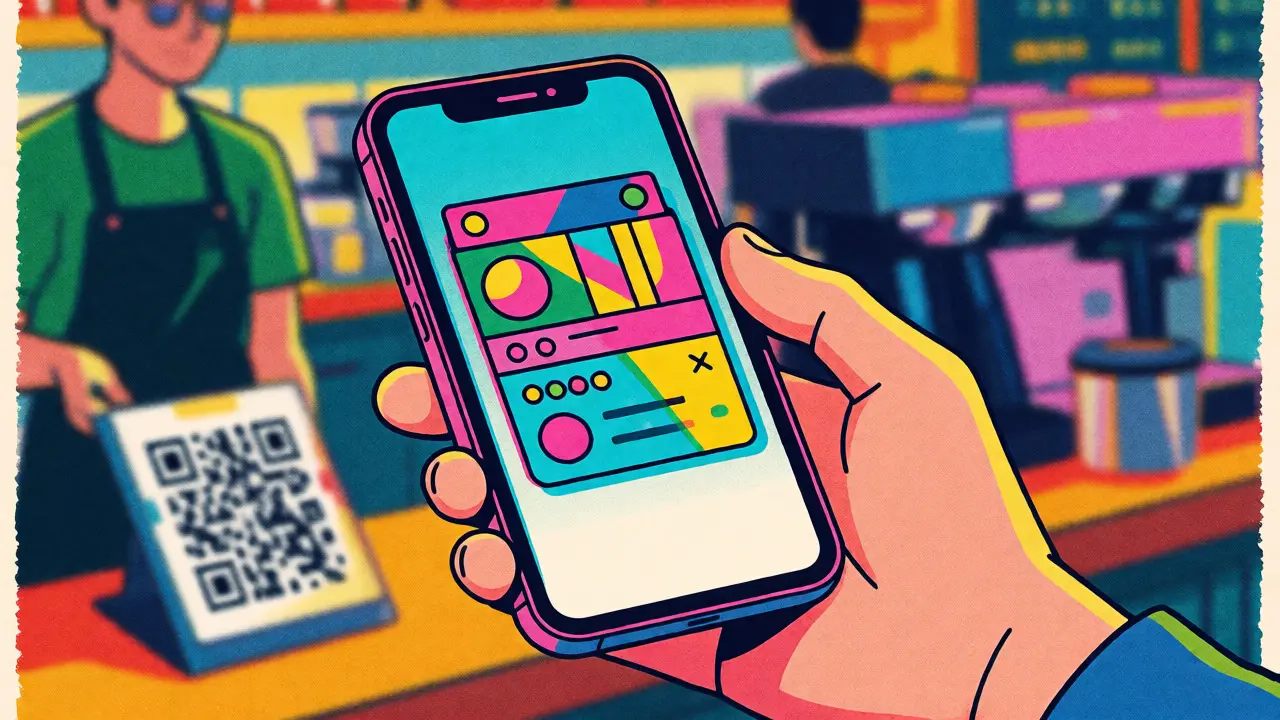
Imagine you’re trying to buy a coffee with Bitcoin. You pull out your phone, open an app, scan a QR code, and boom-transaction done in seconds. No wires, no dongles, no waiting for a device to sync. That’s the magic of a software wallet. It is a digital tool that stores your private keys on your computer or smartphone, keeping them connected to the internet so you can trade, swap, and spend instantly. But here’s the catch: that same connection that makes it easy also makes it vulnerable. If your phone gets hacked or you click a bad link, your money could vanish before you even blink.
This isn’t just a theoretical risk. In 2023 alone, phishing attacks targeting popular wallets like MetaMask drained over $50 million from users’ accounts. So, where do you draw the line? Should you keep all your crypto in one convenient app, or is it safer to lock it away in a cold vault? Let’s break down how software wallets work, why they are so popular, where they fail, and how to use them without getting burned.
What Exactly Is a Software Wallet?
A software wallet is essentially an encrypted database that holds your private keys-the secret codes that prove you own your cryptocurrency. Unlike hardware wallets, which store these keys offline on a physical device, software wallets live on devices that are always online. This "hot" status means they are constantly exposed to the internet, but it also allows for seamless interaction with the blockchain.
You’ll typically find three types of software wallets:
- Mobile Apps: Designed for iOS and Android, these are perfect for on-the-go spending. Examples include Trust Wallet, which supports over 4,500 assets across 65 blockchains.
- Desktop Programs: Installed on Windows, Mac, or Linux, these offer more screen real estate for managing complex portfolios. Exodus is a favorite here for its sleek interface.
- Browser Extensions: These integrate directly into Chrome or Firefox, allowing you to interact with decentralized apps (dApps) right in your browser. MetaMask dominates this space with over 30 million monthly active users.
The core function is simple: you generate a seed phrase (usually 12-24 words), and the wallet uses it to derive your public address and private key. As long as you have that phrase, you control your funds. But if someone else sees it, they control your funds too.
The Convenience Factor: Why Everyone Loves Them
Let’s be honest: hardware wallets are annoying. Connecting a Ledger or Trezor, unlocking it, verifying every transaction on a tiny screen-it kills the flow. Software wallets remove that friction entirely. For active traders, DeFi participants, and NFT collectors, this speed is non-negotiable.
Consider a day trader executing dozens of swaps on Uniswap. With a software wallet, each trade takes seconds. The wallet signs the transaction locally and broadcasts it immediately. There’s no need to plug in a device or wait for Bluetooth pairing. According to DappRadar, MetaMask processes over 1 million transactions daily, largely because it lets users jump between protocols like Aave or Curve without breaking stride.
Another huge win is accessibility. Most software wallets are free to download. You don’t need to spend $70-$200 upfront for hardware. This low barrier to entry is crucial for new users in developing markets, where mobile usage drives 65% of all crypto transactions. If you’re just starting out, downloading Trust Wallet or Exodus takes five minutes. Setting up a hardware wallet can take an hour if you’re careful about verifying the supply chain and firmware.
The Security Reality Check
Convenience comes at a price, and in crypto, that price is often paid in lost coins. Because software wallets are "hot," their private keys exist in the memory of a device that is constantly talking to the outside world. This opens up several attack vectors that offline wallets simply don’t face.
First, there’s malware. Clipboard hijackers can silently change a Bitcoin address when you copy-paste it. Screen recorders can capture your seed phrase as you type it in. On Android, the open ecosystem makes sideloading malicious apps easier than on iOS, though neither platform is immune. Kaspersky’s 2024 analysis highlighted that constant internet exposure is the primary risk factor for these wallets.
Then there’s the human element. Phishing sites that look exactly like OpenSea or MetaMask can trick you into signing a malicious smart contract. Once you sign, your tokens can be drained instantly. In 2023, security firm SlowMist reported that vulnerabilities in Chrome extension update mechanisms affected over 2 million MetaMask users. Attackers injected malicious code during updates, compromising keys without the user ever knowing until it was too late.
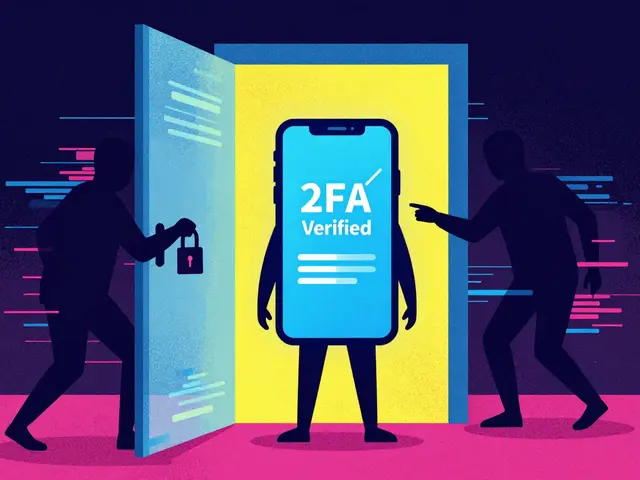
Unlike hardware wallets, which require physical button presses to confirm transactions, software wallets rely on app-based verification. If your device is compromised, the malware can auto-sign transactions, bypassing your awareness entirely.
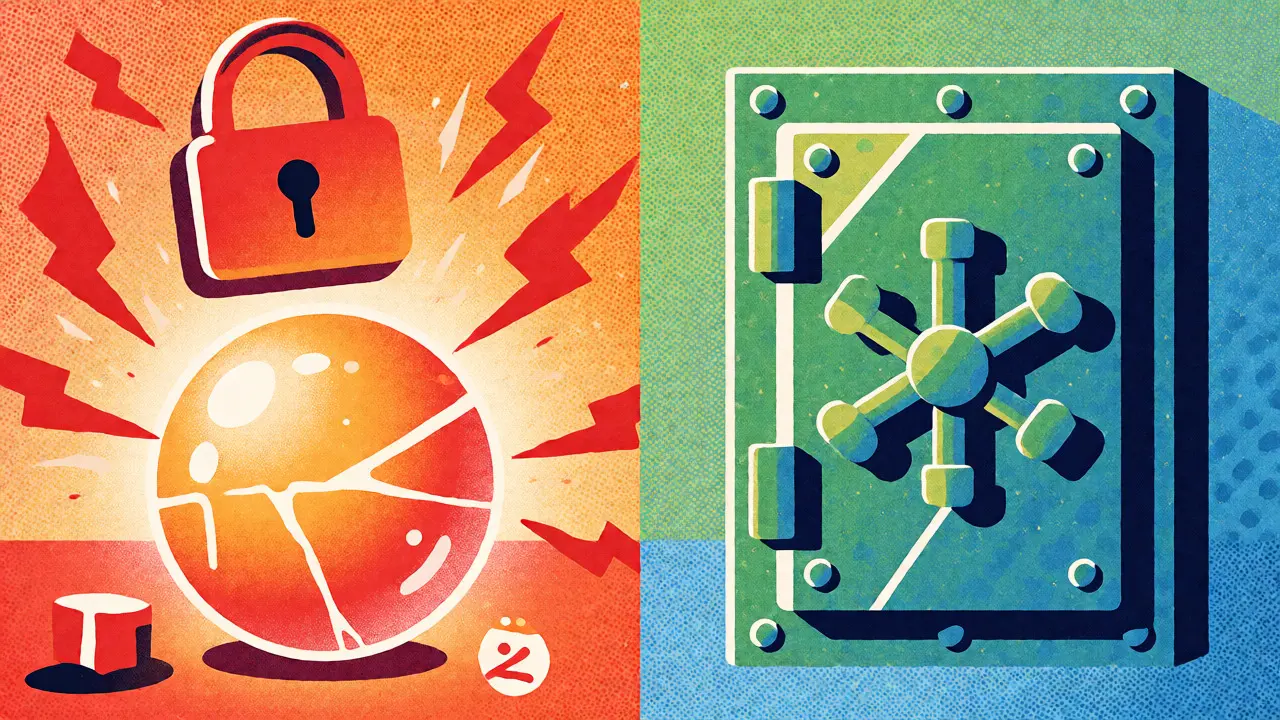
Comparing the Options: Software vs. Hardware
To help you decide what fits your needs, let’s look at the key differences. Note that neither is strictly "better"; they serve different roles in a portfolio.
| Feature | Software Wallet | Hardware Wallet |
|---|---|---|
| Cost | Free (mostly) | $59 - $200+ |
| Security Level | High Risk (Hot Storage) | Very High (Cold Storage) |
| Best For | Active trading, DeFi, small balances | Long-term holding, large balances |
| Speed | Instant transactions | Slower (requires physical confirmation) |
| Vulnerability | Malware, phishing, device theft | Physical loss, supply chain attacks |
| User Experience | Seamless integration with dApps | Cumbersome for frequent interactions |
If you’re providing liquidity on a decentralized exchange or minting NFTs regularly, a hardware wallet will frustrate you. But if you’re holding $10,000 worth of Bitcoin for retirement, leaving it in a browser extension feels risky.
Real User Experiences: What Goes Wrong?
Data from Reddit’s r/CryptoCurrency community reveals a pattern. New users love the ease of setup. They report high satisfaction with interfaces like Exodus, which rates 4.3/5 stars on Trustpilot for its beginner-friendly design. However, long-term users tell a different story.
Negative reviews often cite "phantom drains"-where funds disappear after interacting with a suspicious site. One common complaint involves gas fees. Users accustomed to centralized exchanges get shocked by Ethereum network costs when using MetaMask. Another frequent issue is confusing token approvals. Users grant permission to a dApp to spend their USDC, forget to revoke it, and months later, a hacked protocol drains their balance.
Trust Wallet maintains a higher rating (4.1/5) partly due to Binance’s support infrastructure, while MetaMask sits lower at 2.8/5, reflecting the stress of managing mainnet interactions manually. The consensus among experienced users? Use software wallets only for amounts you can afford to lose.
How to Secure Your Software Wallet
You don’t have to choose between total convenience and total paranoia. Here’s a practical framework to mitigate risks while keeping your workflow smooth.
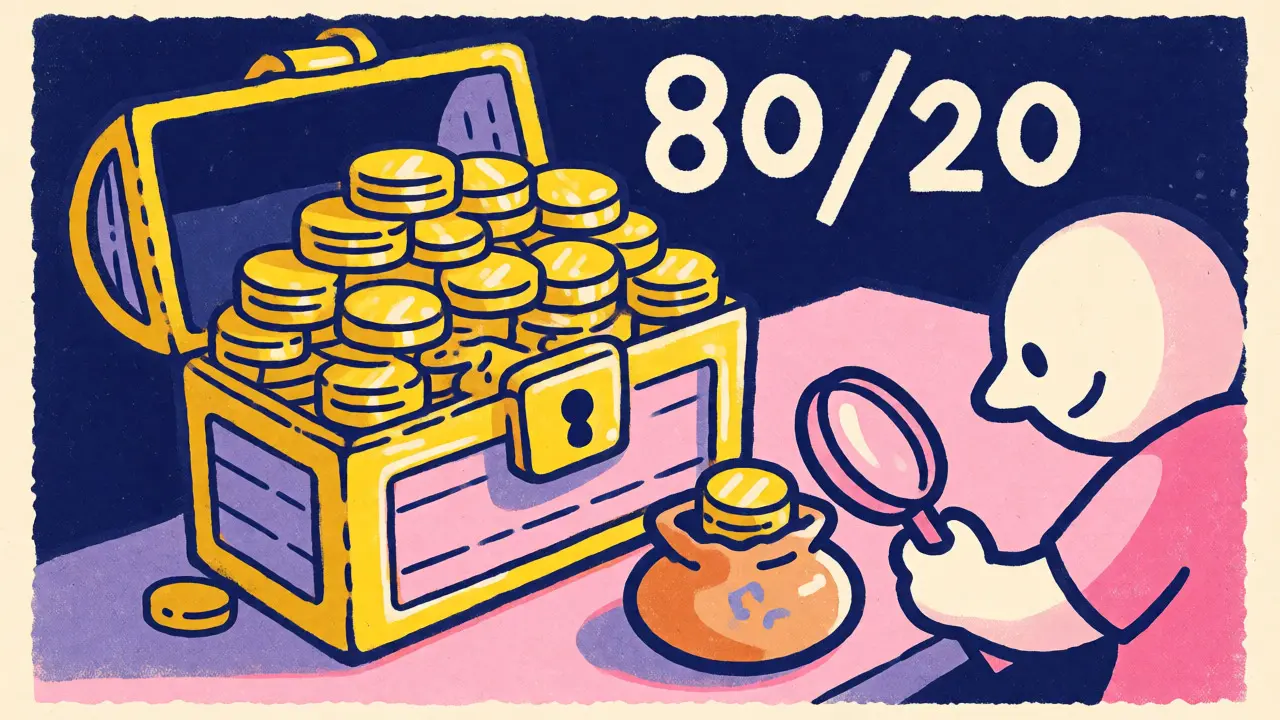
- Follow the 80/20 Rule: Keep 80% of your holdings in a hardware wallet or cold storage. Use your software wallet as a "checking account" for daily spending and active trading. Never keep your life savings in a browser extension.
- Isolate Your Devices: If possible, dedicate one phone or browser profile solely for crypto. Don’t install random games or social media apps on this device. Fewer apps mean fewer potential malware entry points.
- Revoke Permissions Regularly: Use tools like Revoke.cash to check which dApps have access to your tokens. If you haven’t used a protocol in six months, cut off its access. This prevents future hacks from draining old allowances.
- Beware of Clipboard Malware: Always double-check the destination address character-by-character, especially the first four and last four digits. Malware often swaps middle characters to make the address look familiar.
- Use Strong Backups: Write your seed phrase on paper or metal. Do not screenshot it. Do not email it to yourself. Cloud backups are convenient but introduce third-party risks. If your cloud provider is breached, your keys could be exposed.
Emerging technologies are helping bridge the gap. Account abstraction on Ethereum now allows for "social recovery," where trusted friends can help restore access if you lose your key. Some premium smartphones are integrating hardware security modules (HSMs) directly into the chip, offering hardware-level protection within a software wallet interface. While promising, these features aren’t universal yet.
Frequently Asked Questions
Are software wallets safe for beginners?
Yes, but with caution. They are the easiest way to start because they are free and intuitive. However, beginners should treat them as temporary wallets. Start with small amounts to learn the ropes, and move significant funds to a hardware wallet once you understand the basics of seed phrases and network fees.
Can I use multiple software wallets at once?
Absolutely. Many users keep a MetaMask extension for desktop DeFi activities and a Trust Wallet app on their phone for quick scans and payments. Just ensure you manage your seed phrases securely for each distinct wallet instance to avoid confusion.
What happens if my phone breaks?
Nothing happens to your crypto, provided you have your seed phrase backed up. The wallet app is just a window to view and manage your keys on the blockchain. Download a compatible wallet app on a new device, enter your seed phrase, and your funds will reappear.
Is MetaMask better than Trust Wallet?
It depends on your needs. MetaMask is superior for Ethereum-based dApps and browser interactions. Trust Wallet is better for mobile users who want broad multi-chain support and built-in staking options. Neither is universally "better"; they excel in different environments.
Do I need a hardware wallet if I use a software wallet?
If your portfolio exceeds a few hundred dollars, yes. Software wallets are great for utility, but hardware wallets provide insurance against remote hacks. Think of software as your wallet in your pocket and hardware as the bank vault at home.